Floorplan Editor
for clear, visual patrol route design.
Upload building layouts and place checkpoints exactly where they exist in the real world. RondaQ turns your floorplans into easy-to-understand patrol maps for guards and supervisors.
- Upload your building floorplan image (per level).
- Add checkpoints (QR / NFC) to the exact locations on the map.
- Group checkpoints into patrol routes (e.g. Night Shift Route A).
- Set expected timing and frequency per route.
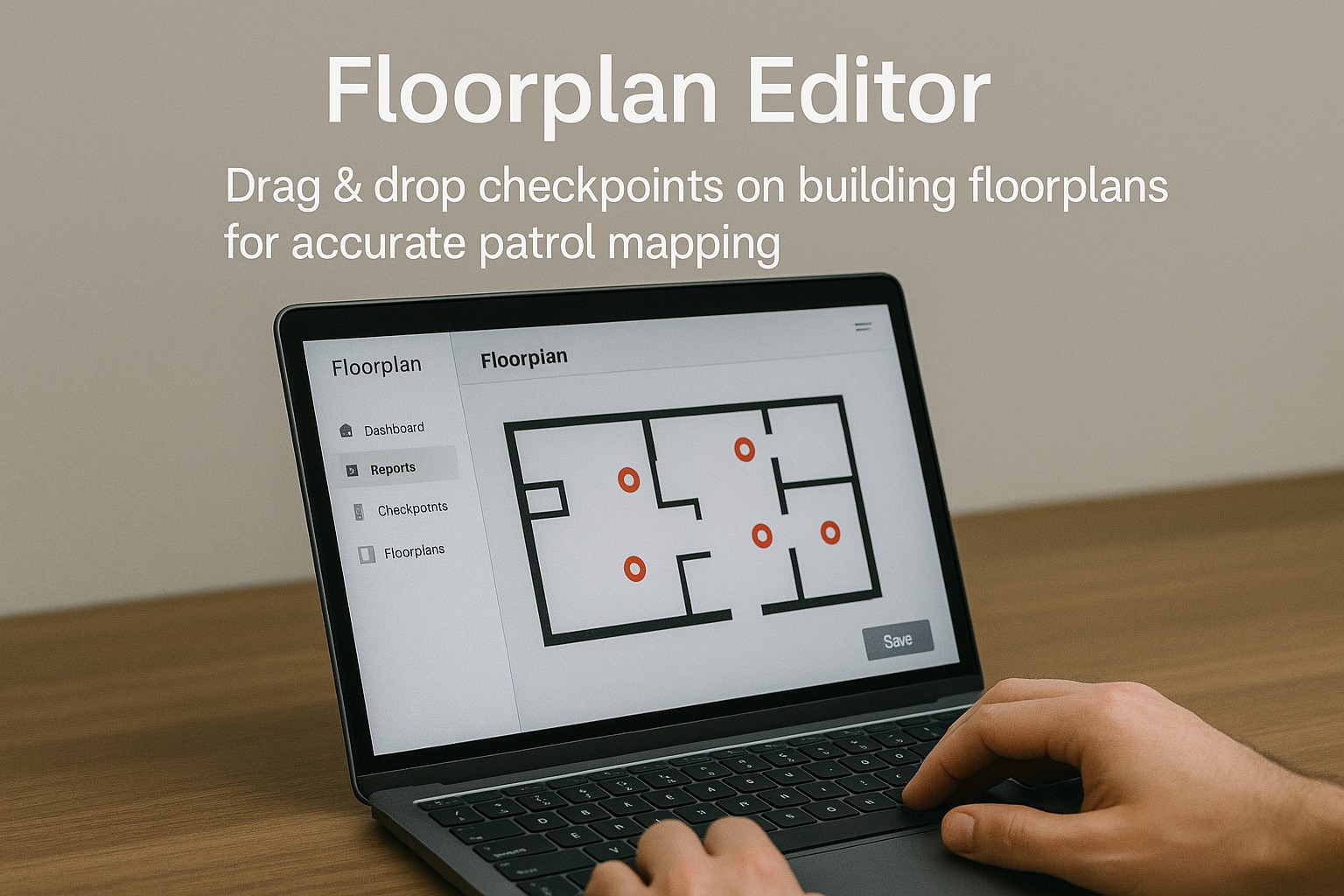
The RondaQ floorplan editor helps administrators move beyond simple lists of checkpoints. Instead of guessing locations from names, you can see where everything sits on a real map of the building.
Using a drag-and-drop interface, each checkpoint can be positioned, labeled, and assigned to specific routes and shifts. This gives a shared visual understanding of:
- ✔ Which areas are covered, and how frequently they are patrolled.
- ✔ Where potential blind spots or under-patrolled zones may exist.
- ✔ How responsibilities are divided between different guards and routes.
- ✔ How to explain patrol expectations clearly to new staff and clients.
A visual, floorplan-driven approach makes planning easier, reviews clearer, and communication with both guards and stakeholders more effective.
Build routes that match reality
Design patrol paths that follow the actual movement through corridors, stairwells, and key rooms — not just a list of checkpoint names.
Easier to brief guards and clients
Show guards and clients a simple visual map of where patrols go, how often, and which checkpoints are critical for safety and compliance.
Works for single buildings or large sites
Whether you manage one office tower or a multi-building facility, RondaQ lets you organize floorplans and routes in a consistent, scalable way.